
Booking your Reformer Class at BodySocial, Castle Donington
Let’s face it… anything involving setting up a new account can feel like a bit of a faff. Passwords, emails, “verify this”, “click that”… we’ve all been there.
But don’t worry — this one’s actually nice and simple. Follow the steps below and you’ll be booked in before the kettle’s even boiled. (of course if you need help just shout!)
1. Click the booking link
Open the Gymcatch link for the class, course or membership you want to book.
2. Choose your class or package
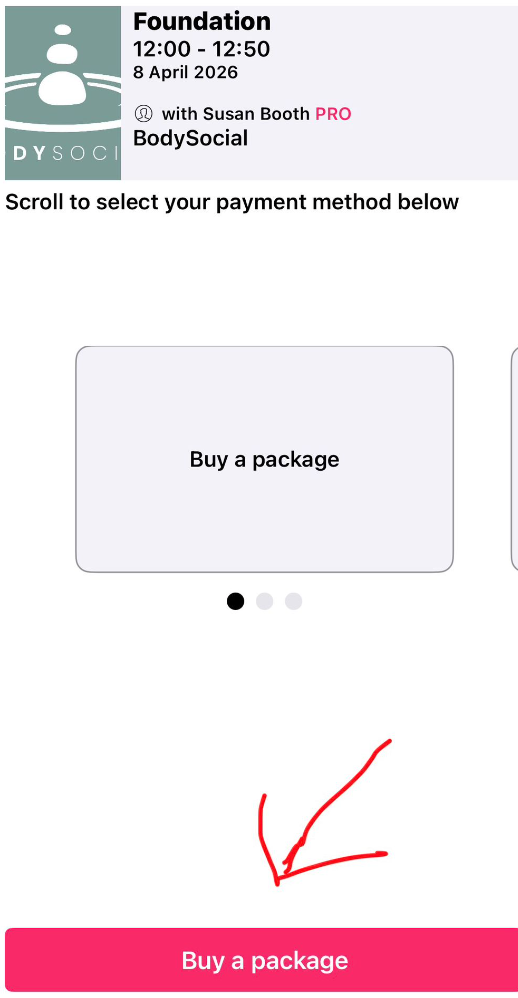
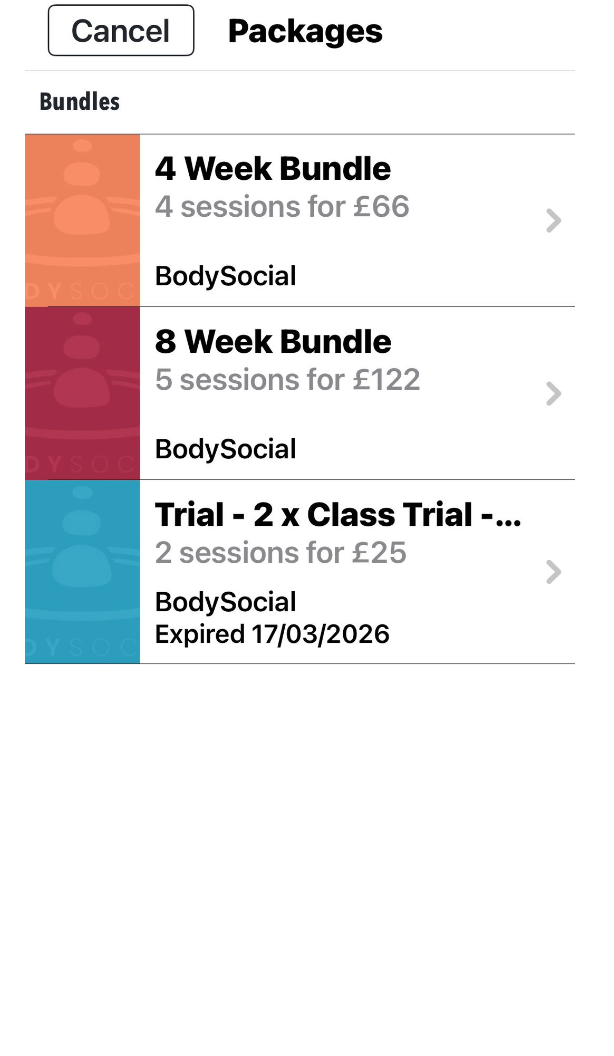
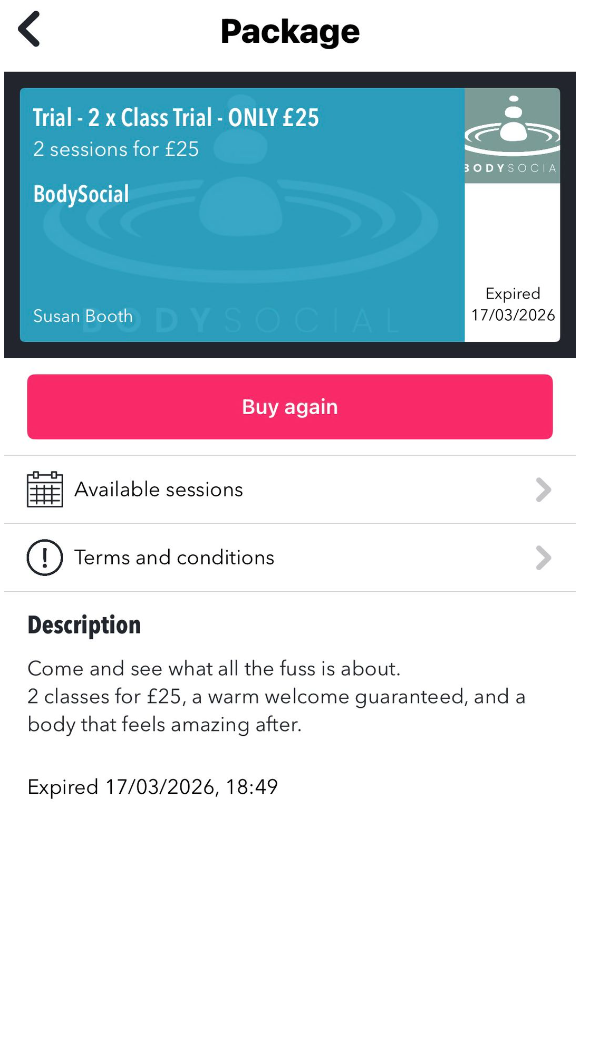
Select the session, the go to packages. Theres a great opening offer of 2 classes for £25.
3. Create your account
When prompted, enter your name, email address and a password to create your Gymcatch account. Gymcatch says an active account is required to book classes.
4. Check your email
Look out for any email from Gymcatch and follow any steps needed to confirm your account if prompted. Gymcatch’s business registration flow uses email confirmation, and customer bookings are tied to the email/password account you create.
5. Log in
Once registered, log in with your email and password.
6. Complete any required forms
If the studio has participation info switched on, you may be asked to fill in things like contact details, waiver or health questionnaire before booking.
7. Add payment details and book
Pay for your class, pass or membership and complete your booking.
8. Manage your account
After that, you can log in anytime to view bookings, buy more classes, and update your details through Gymcatch’s web app or mobile apps.
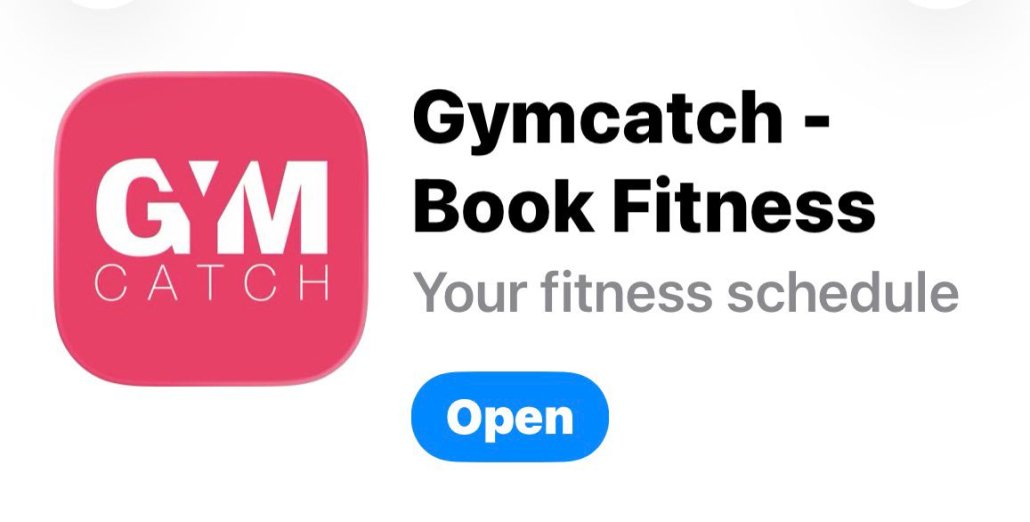
PS: The Mobile App is really easy to use. Go to your app store and download to your phone, it looks like this: 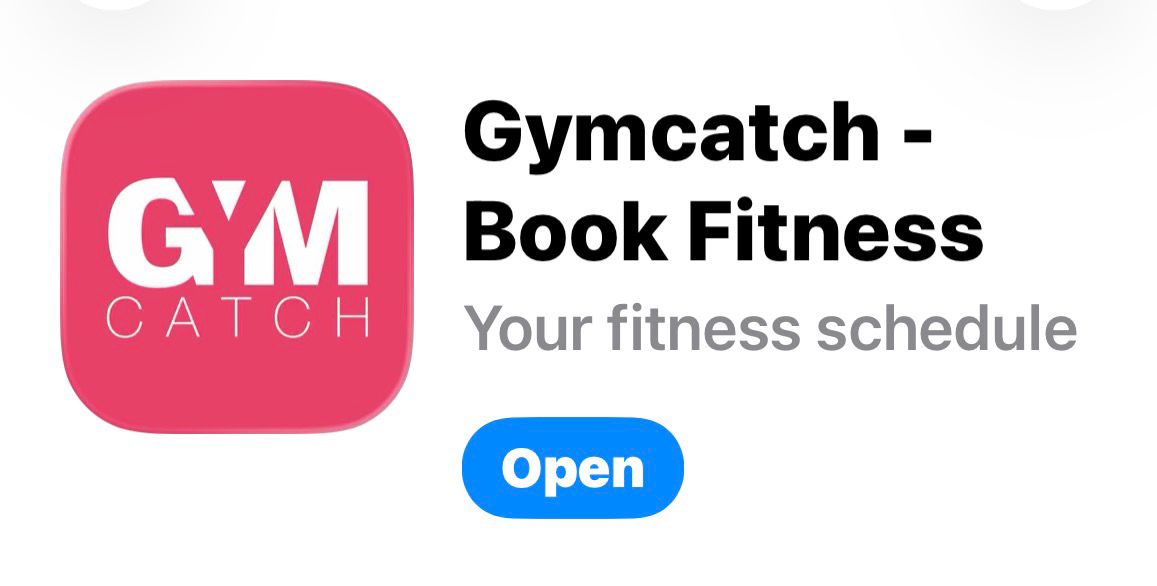
Please contact me if you are having any problems booking on to any of the classes. 07812 107684.
In the meantime, check out the BodySocial Website

